Installation & First Start
BusWay offers a separate app for each edition. For your credentials to work, you must strictly install the version matching your system.
1. Download
Download the app from the Google Play Store:
- BusWay Professional: For drivers in companies with the Professional Edition.
- BusWay Team: For drivers in companies with the Team Edition.
- (BusWay Free: For single users – does not work with company logins).
2. Login
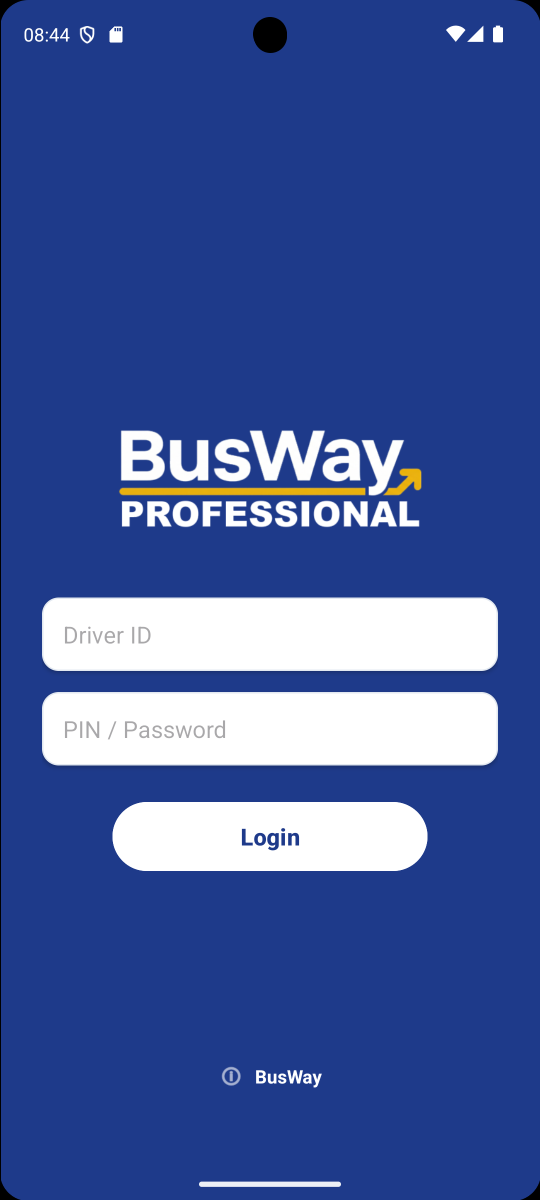
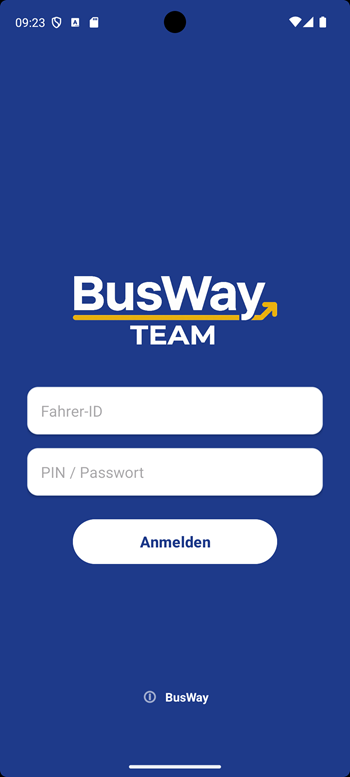
After starting the app, you will reach the login screen. Enter the Driver ID (Login) and the Password (or PIN) here that you received from your administrator.
- BusWay Professional
- BusWay Team
You can recognize the Professional App by the dark header or the Pro logo.
You can recognize the Team App by the "TEAM" lettering under the logo.
3. Permissions
For BusWay to function correctly, you must allow the following accesses upon the first start:
- Location (GPS): Mandatory. Select "While using the app" or "Allow all the time" so the app knows where you are.
- Storage/Files: Required to save routes and map material offline on the device.