The Cockpit Dashboard
The Web Cockpit is the central administration hub. Depending on your edition (Team or Professional), the start page differs slightly.
- Professional Edition
- Team Edition
In the Professional Edition, active planning is the focus.
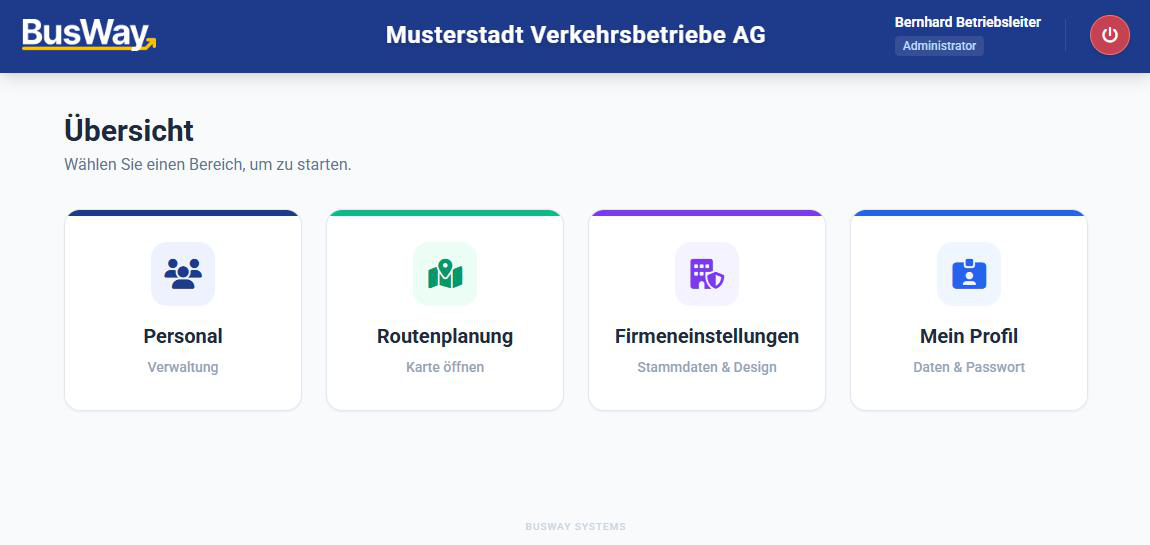
Feature: Route Planning
Here you open the Route Editor. Use this to plan complex line paths on the PC map, set stop points, and define paths manually.
In the Team Edition, you primarily manage recorded data.
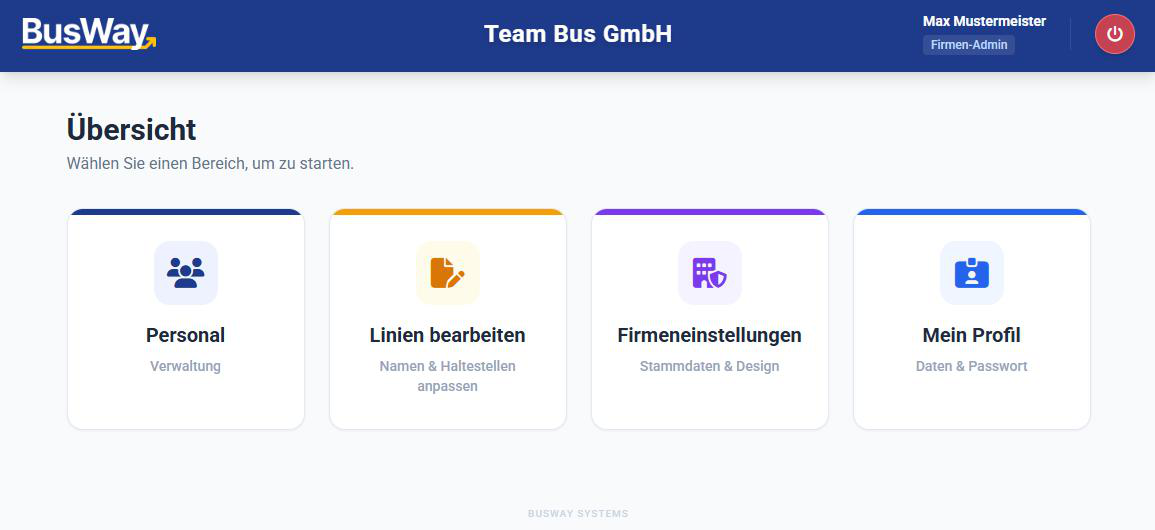
Feature: Edit Routes
Here you can retroactively rename and correct the names of lines and stops recorded by drivers.
Common Functions
The other three areas are identical in both editions:
1. Personnel
Here you manage your driver accounts.
- Create Driver: Create logins and define the app language.
- Permissions: Decide who is allowed to record line paths for you.
2. Company Settings
Adjust the global behavior of the app.
- Design: Choose the appropriate stop sign and the shape of speed signs on the map in the local format.
- Units: Switch globally between
km/handmph.
3. My Profile
Manage your own admin account and password here.
Next Step: Start with Personnel Management.