My Profile
Under the menu item My Profile, you manage your own access to the Cockpit.
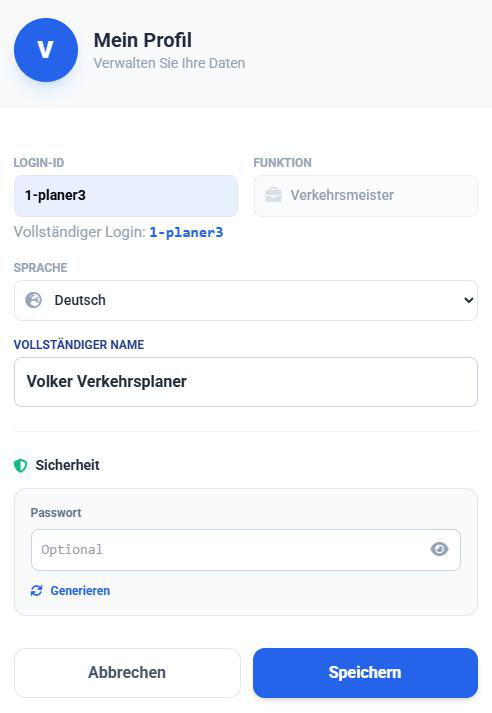
Managing Personal Data
As a Company Admin or Transport Planner, you can change your personal settings here:
- Language: Changes the language of the Cockpit interface for you personally (independent of the drivers' app language).
- Full Name: Your display name in the system.
Security (Change Password)
If you wish to change your password, you can do so here.
- Click on the password field in the "Security" section or click Generate.
- Enter the new password (or note down the generated one).
- Confirm by clicking Save.