Company Settings
Here you adapt the global appearance of BusWay to your local conditions and store your contact details.
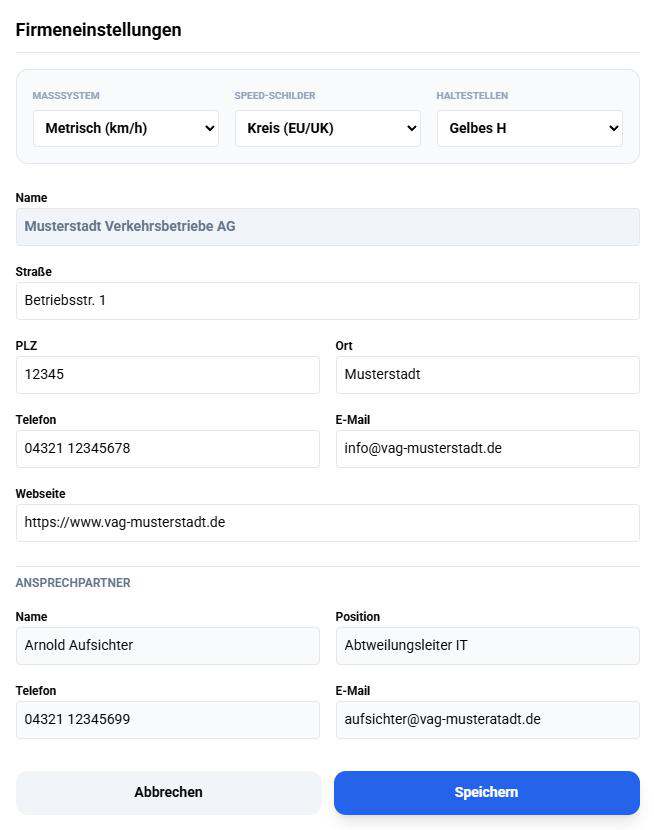
Design & Units
These settings directly affect the display in the Driver App. Ensure these values match the traffic regulations of your country.
- Measurement System:
Metric (km/h): Standard for Europe.Imperial (mph): For USA or UK.
- Speed Signs: Choose the design of speed limits in the app (e.g., "Circle" for EU countries or "Rectangle" for US design).
- Stops: Choose the symbol used to mark stops on the map (e.g., "Yellow H").
Master Data & Contact
These data are for internal administration.
- Name: This company name is displayed in the header of the app for your drivers.
- Contact Person: Store data here for administrative inquiries.
Important: Do not forget to click Save at the bottom right to make changes effective for all drivers.